Offline mode lets you reliably use CloseOut's core functions: fill checklists, take photos, videos, 3D Digital Twin scans, review the site you have been scheduled for the day, follow the workflow structure, review each position's instructions and example images, review the project / site related documentation and access personal certificates in My Documents.
All uploads and changes are stored in Synchronization, and after the internet connection is restored, all data will be uploaded automatically to the previously selected placeholder.
Important: Only the scheduled sites and their structure will cache in mobile device and show up in Control panel in case of connection loss, not all !
When an internet connection is lost, a user is notified by a message that the app is in offline mode.
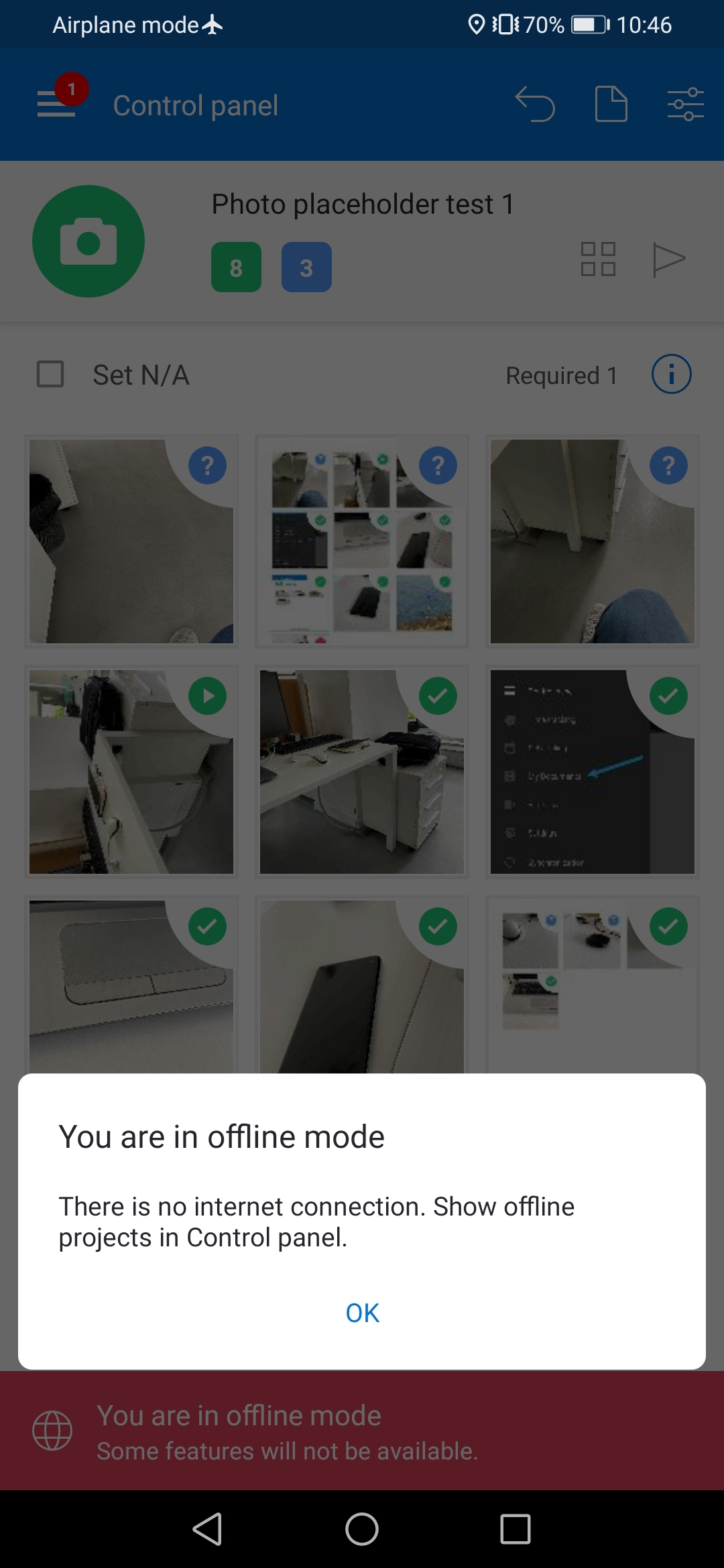
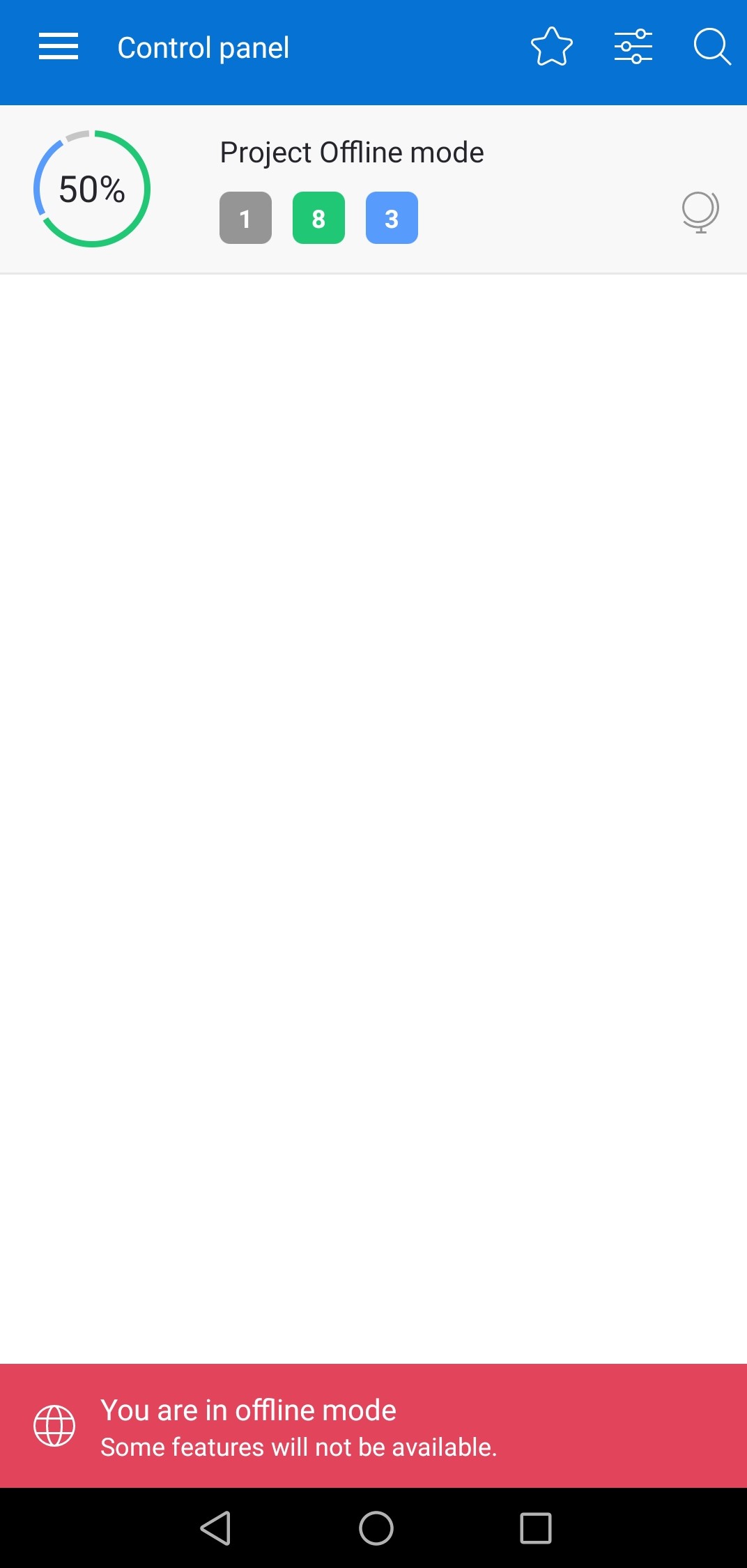
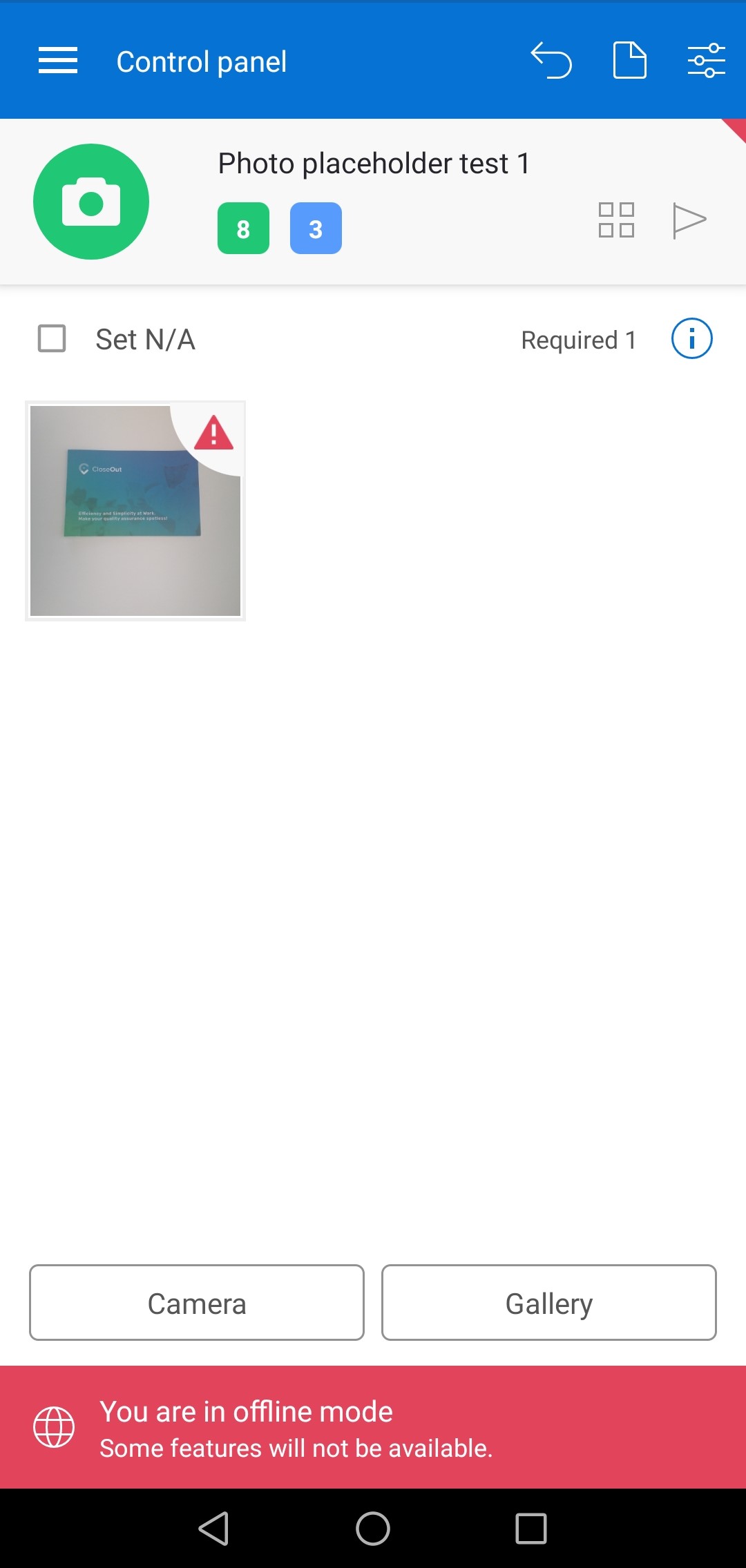
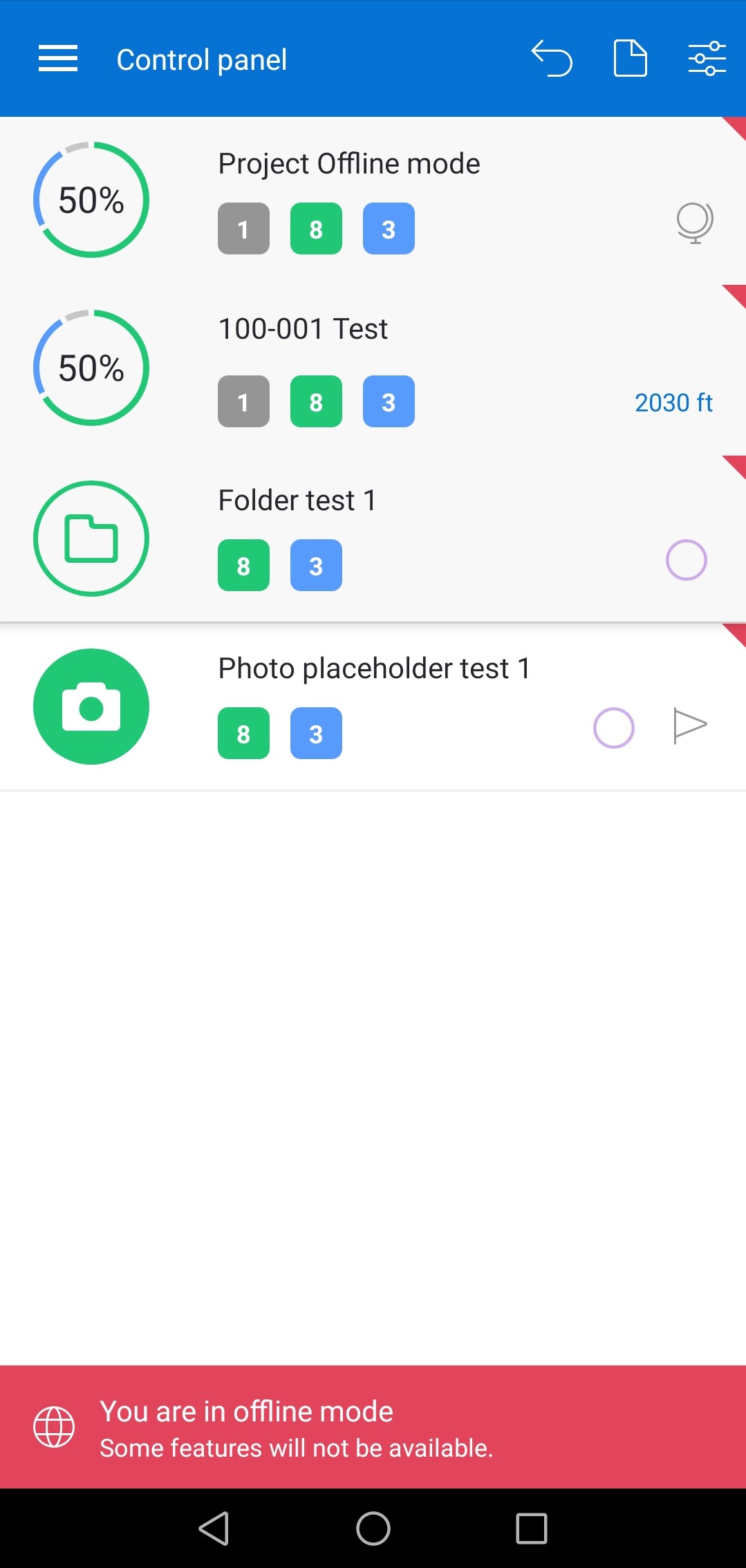
After clicking on the OK button, a user is redirected to the Control panel, where all scheduled sites for today are displayed. While in the offline mode, a red banner will constantly be located at the bottom part of the screen.
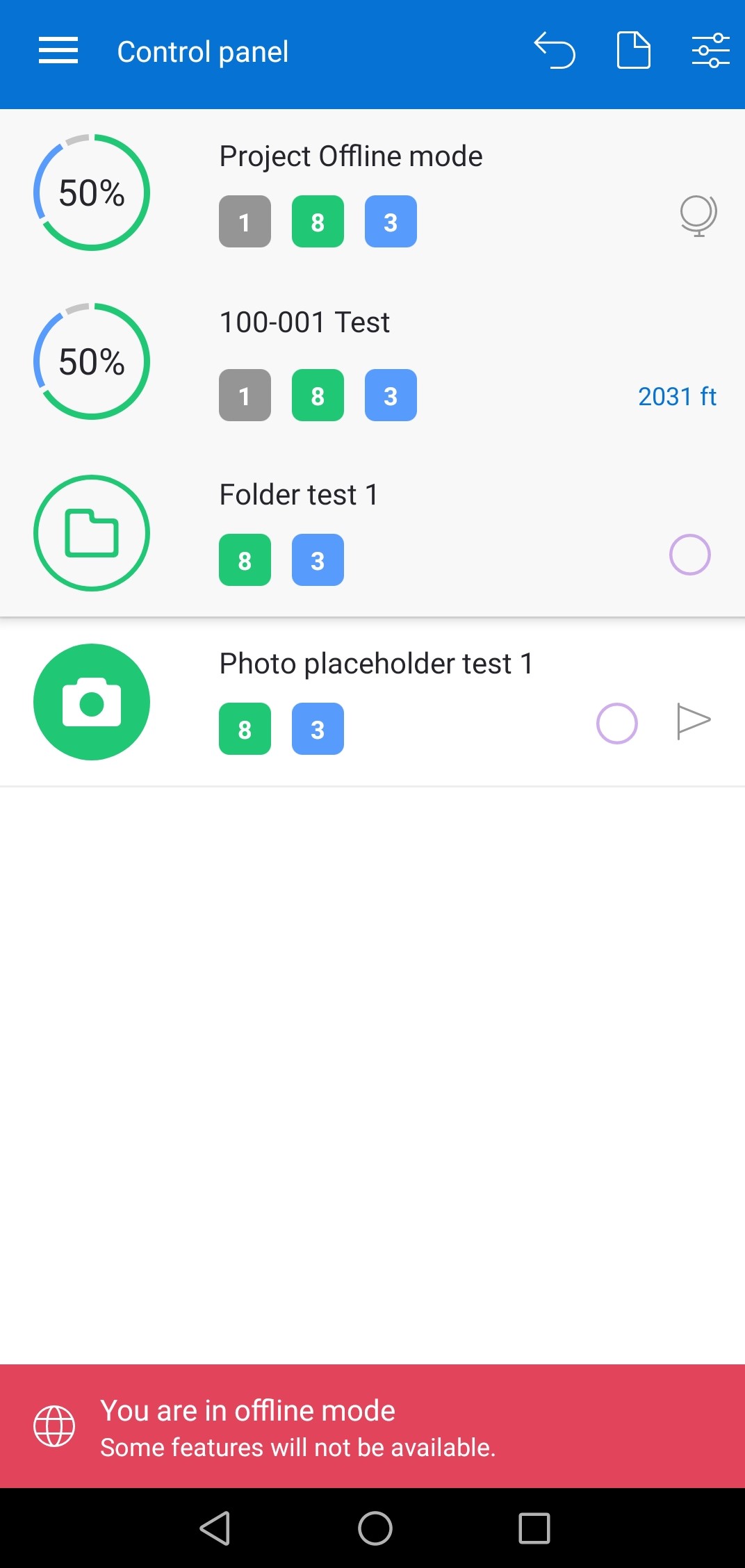
Media placeholders can be filled through a Camera or Gallery in. Red triangle will be shown on the photo itself and in the upper right corner of a media placeholder. All placeholders where the changes are made will be marked with a red triangle.
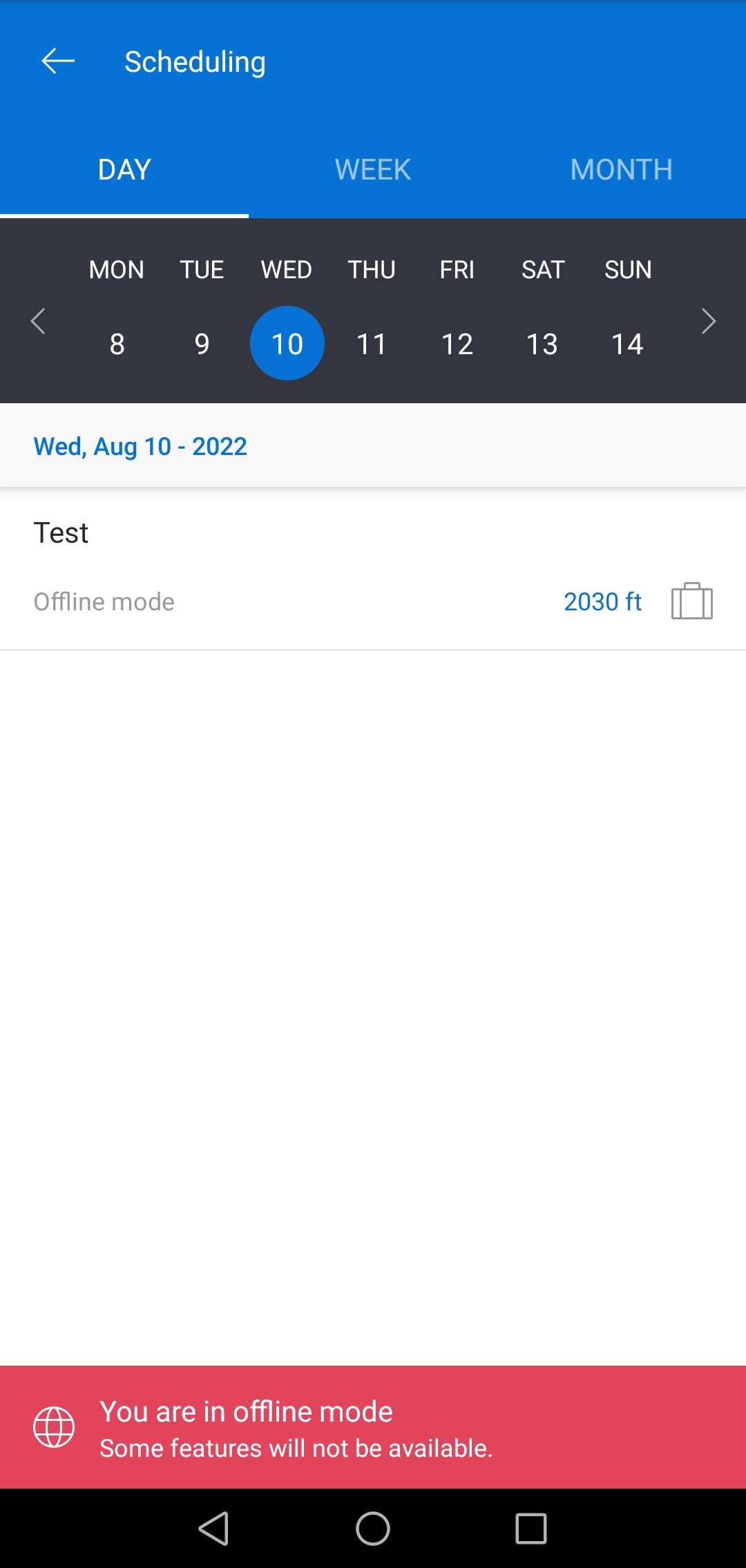
Another available module is Scheduling, which can redirect you to the scheduled site and by which you can access the directions to the site. If a job type is set for that site, it can be seen by clicking on the briefcase icon.